
1. What Is an Email Alias?

An email alias is essentially a “mask” for your primary email account. This is commonly known as a "+ (plus) suffix" alias, technically referred to as Sub-addressing or Plus Addressing.
For example, if your original email address is [email protected], you can use a + sign after bigcat to append any suffix you want, creating aliases like [email protected] or [email protected]. You can define anything you like.
When someone sends an email to an email alias containing a + sign, the email service provider ignores the plus sign and everything after it. The email is delivered straight into the [email protected] inbox.
Currently, mainstream providers like Gmail, Outlook, iCloud Mail, and Proton Mail all support this type of email alias. Additionally, a single iCloud Mail account allows you to create 3 new, permanent email addresses.
2. Common Use Cases
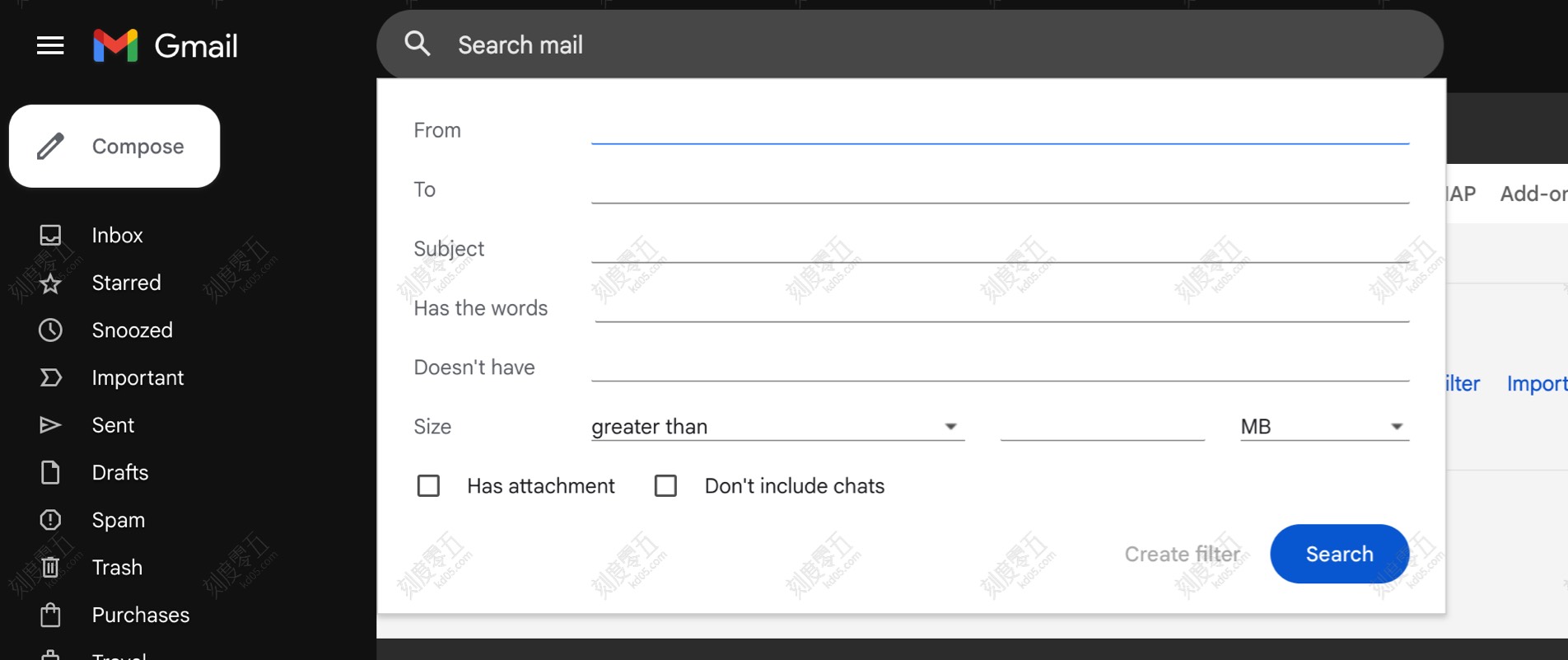
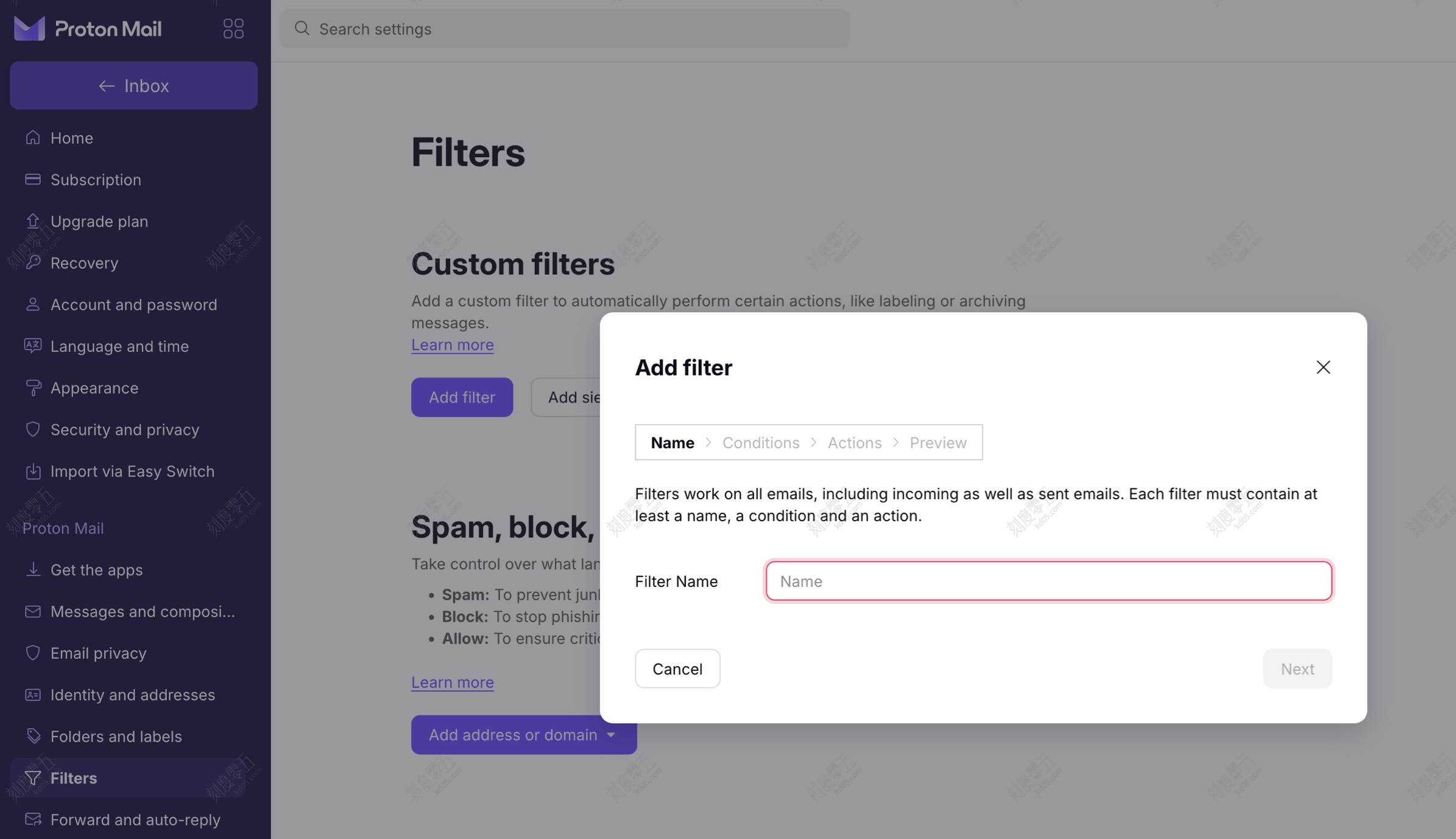
The true value of email aliases lies in scenarios like “tracking” and “filtering.” When combined with your email’s filter rules, they make inbox management significantly smarter and more efficient.
2.1 Tracking Data Leaks

Add a specific alias suffix whenever you sign up for a website or app. For instance, when registering for Website A or App B, you can use the email addresses [email protected] and [email protected]. Later, if you receive phishing or spam emails sent to +sitea, you’ll know instantly that Website A leaked your email address—whether they sold it intentionally or got hacked. This alerts you to secure your data on Website A.
2.2 Automatic Email Categorization

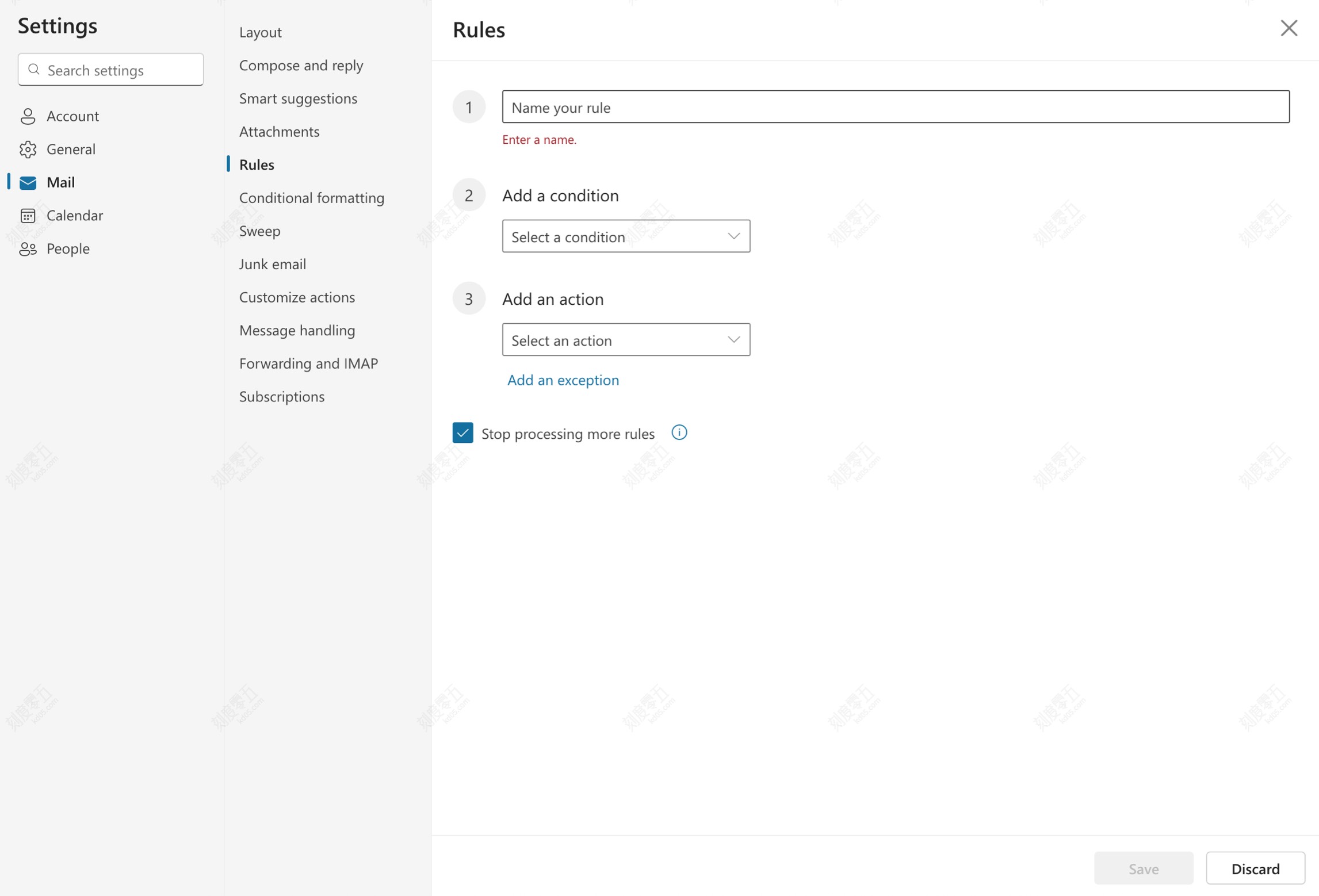
Leverage built-in email features to sort your inbox automatically. For example, using “Rules” in Outlook “Settings,” you can set emails addressed to [email protected] to automatically “Move to folder SiteA.” We often subscribe to scheduled newsletters or news roundups and don’t want them cluttering our primary inbox. The “alias + auto-filter” combo efficiently prevents this kind of mess.
2.3 Generate Endless “Fake” Emails from One Real Account

When testing software systems, you might need thousands of valid email addresses. Since registering that many accounts manually is impossible, “email aliases” perfectly solve this problem. By writing a simple script to auto-generate various “plus suffixes,” you get addresses that are recognized as real and can successfully receive emails.
|
|
3. Recommended Tool

If manually adding + suffixes feels tedious, or if you need to generate multiple email aliases quickly, try this online tool:
This tool helps you:
- Generate aliases instantly: Enter your base email address and create multiple aliases with
+suffixes in one click - Batch generation: Need lots of email addresses for testing? Generate as many aliases as you need in bulk
- Custom suffixes: Define your own suffix rules to make aliases meaningful and traceable
- Copy and go: Generated aliases are ready to copy-paste, saving you time
Whether you’re managing your daily inbox or running software tests, this tool streamlines the entire process.
4. Final Thoughts
Ultimately, an email alias does not provide true “privacy protection” for your real email address, as anyone can easily see that “the real address is the part before the plus sign.” It should primarily be used as an auxiliary tool for inbox management—though it remains incredibly handy if you want to register multiple accounts on the same platform using a single email address.