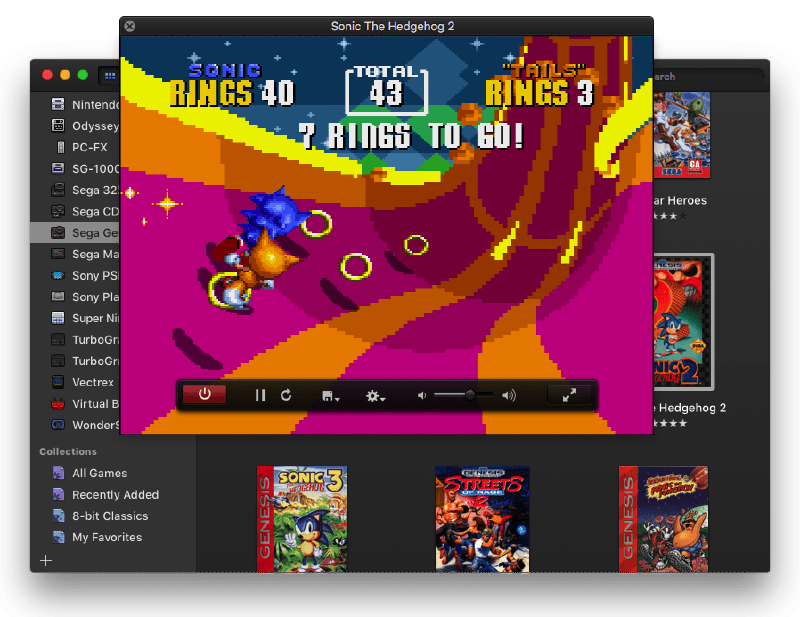
In the world of open-source software, retro gaming emulators have always been a popular category. However, for macOS users, finding a tool that is both powerful and aligned with Apple’s design aesthetics has never been easy. OpenEmu solves this problem perfectly. As a highly-acclaimed open-source project on GitHub, OpenEmu is more than just an emulator; it is an elegant game library that completely transforms the way we experience classic games on Mac.
What is OpenEmu?
OpenEmu is designed exclusively for macOS (OS X). Unlike emulators that are simple ports of Windows or Linux code, OpenEmu takes full advantage of modern macOS technologies (such as Cocoa, Core Animation, and Quartz). Its goal is to provide users with a unified, beautiful interface to manage and play games from various retro consoles, including Nintendo (NES, SNES, Game Boy), Sega (Genesis, Sega CD), Sony (PlayStation), and more.
1. Native macOS Experience and Elegant UI
OpenEmu’s greatest appeal lies in its native design language. If you are accustomed to the layout of iTunes or Apple Music, you will find OpenEmu’s learning curve virtually non-existent.
- Visual Aesthetics: It lacks the rough edges or complex command-line interfaces common in many open-source projects. OpenEmu features smooth animations, crisp icons, and a minimalist layout that feels like official Apple software.
- Intuitive Operation: All settings have been meticulously simplified. Users don’t have to get lost in convoluted drivers or configuration files, which significantly lowers the barrier to entry for emulation software.
2. Game Library Management
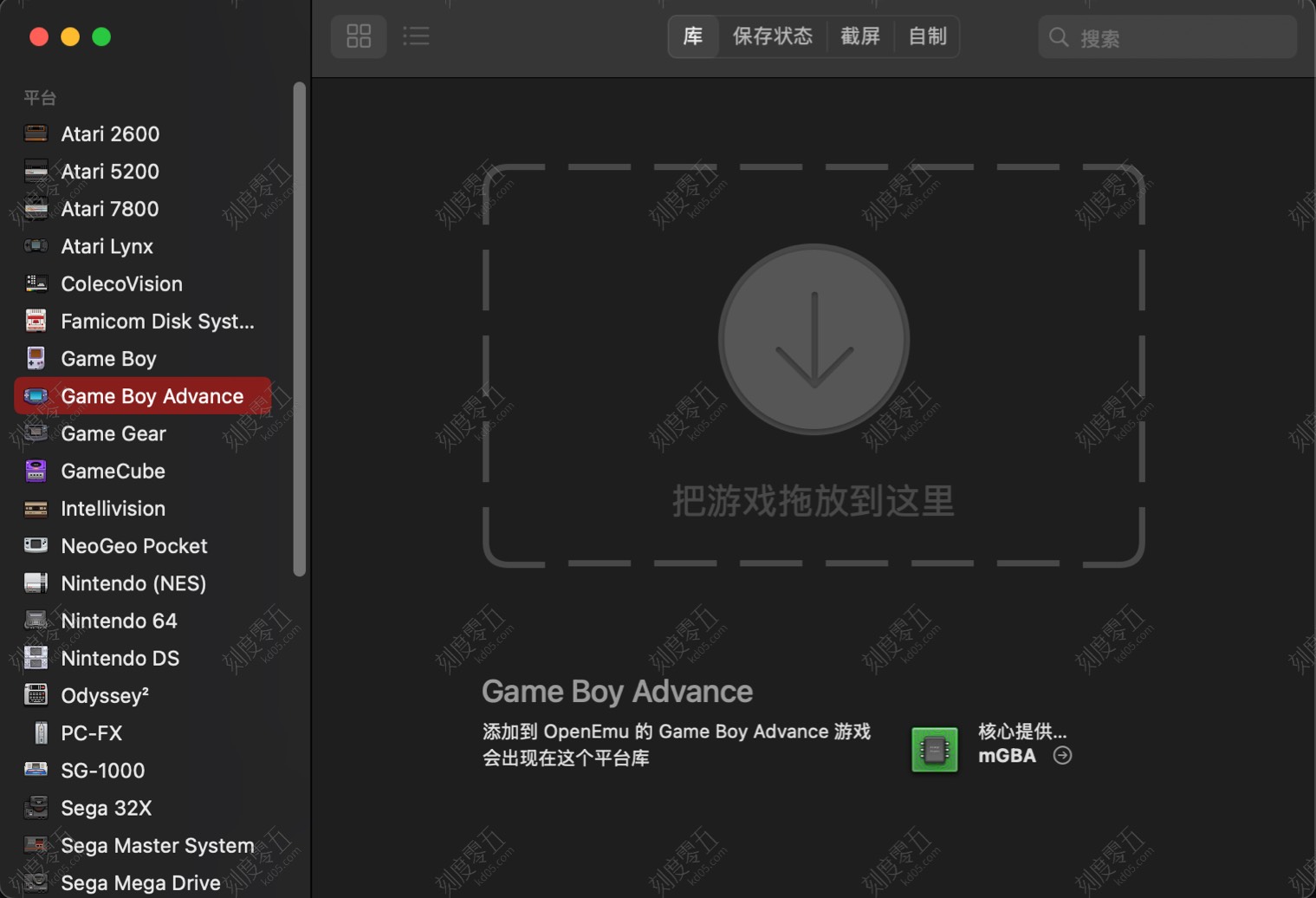
For many emulator enthusiasts, organizing hundreds or thousands of ROMs (game files) is a nightmare. OpenEmu introduces an iTunes-style media library management system:
- Automated Organization: Simply drag a game ROM into the window, and OpenEmu automatically identifies the platform it belongs to (e.g., GBA or NDS).
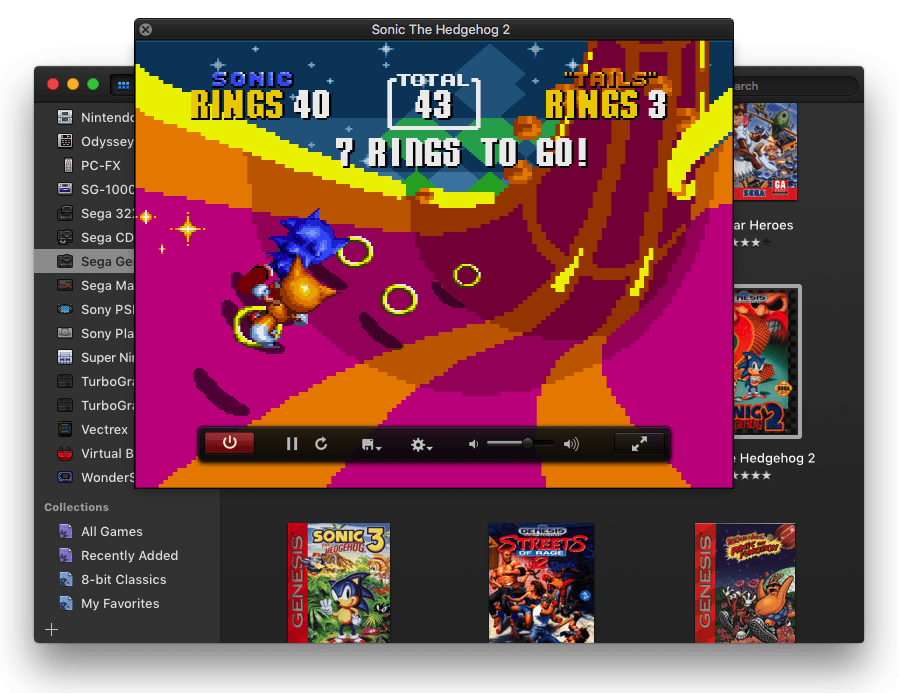
- Cover Art Scraping: This is one of the project’s most beloved features. The software automatically downloads high-quality original box art from the internet and displays it in a gallery view. This visual management style makes browsing your library a joy in itself.
- Smart Collections: Users can create custom lists or use tags like “Recently Added” and “Recently Played” to quickly find their favorite titles.
3. Modular Architecture and Multi-Core Support
OpenEmu’s backend utilizes a modular architecture. Rather than reinventing the wheel, it integrates existing, mature open-source emulation “Cores.”
- Broad Compatibility: It integrates time-tested emulation engines such as Nestopia, Snes9x, Gambatte, and mGBA. This ensures that OpenEmu delivers high levels of emulation accuracy.
- Instant Updates: Because it uses a plugin system, when a specific core engine is updated, OpenEmu can improve performance by updating the plugin without requiring a full reinstallation of the main software.
Currently, OpenEmu supports platforms including but not limited to:
- Nintendo (NES, SNES, N64, Game Boy series, DS)
- Sega (Master System, Genesis, Saturn)
- Sony (PlayStation, PSP)
- Atari series
4. “Plug and Play” Controller Support
Playing console games on a computer with a keyboard often lacks the right “feel.” OpenEmu excels in controller support, solving the pain point of manual button mapping.
- Automatic Mapping: OpenEmu comes with a massive database of controllers. When you connect a PlayStation DualShock, Xbox controller, Nintendo Switch Pro Controller, or even third-party retro gamepads like 8BitDo, the software automatically recognizes and configures all buttons for you.
- Zero Manual Setup: For most popular controllers, users can simply connect via Bluetooth or USB and start playing immediately without any manual calibration.
5. Modern Visuals and Enhanced Features
Despite running low-resolution games from decades ago, OpenEmu provides modern display options to suit high-definition screens:
- Screen Shaders: Users can choose CRT scanline effects to simulate the texture of an old-school TV, or select smoothing filters to make pixels look more rounded on high-resolution displays.
- Real-Time Rewind and Save States: Much like modern games, users can save their progress at any time (Save States). Even better, it supports a “Real-Time Rewind” feature—if you make a mistake in-game, you can rewind a few seconds with a single click to try again.