What is IT-Tools?
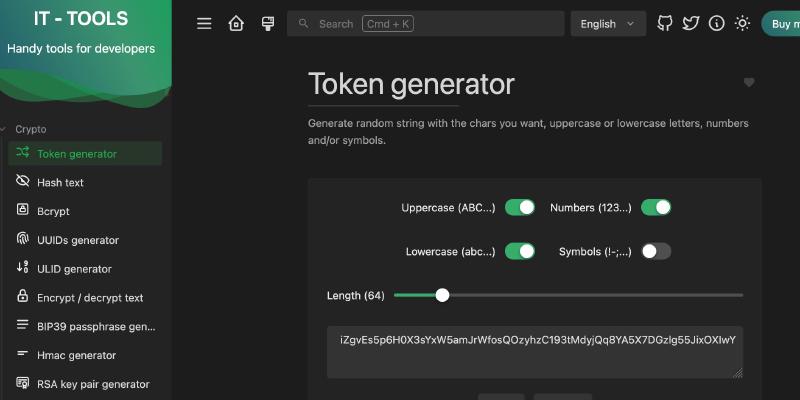
IT-Tools is an open-source “Swiss Army Knife” for developers created by CorentinTh. It’s designed to be a beautiful, all-in-one toolbox that makes your daily workflow much smoother. With over 36,000 stars on GitHub, it has quickly become a favorite for developers all over the world.
Key Features
-
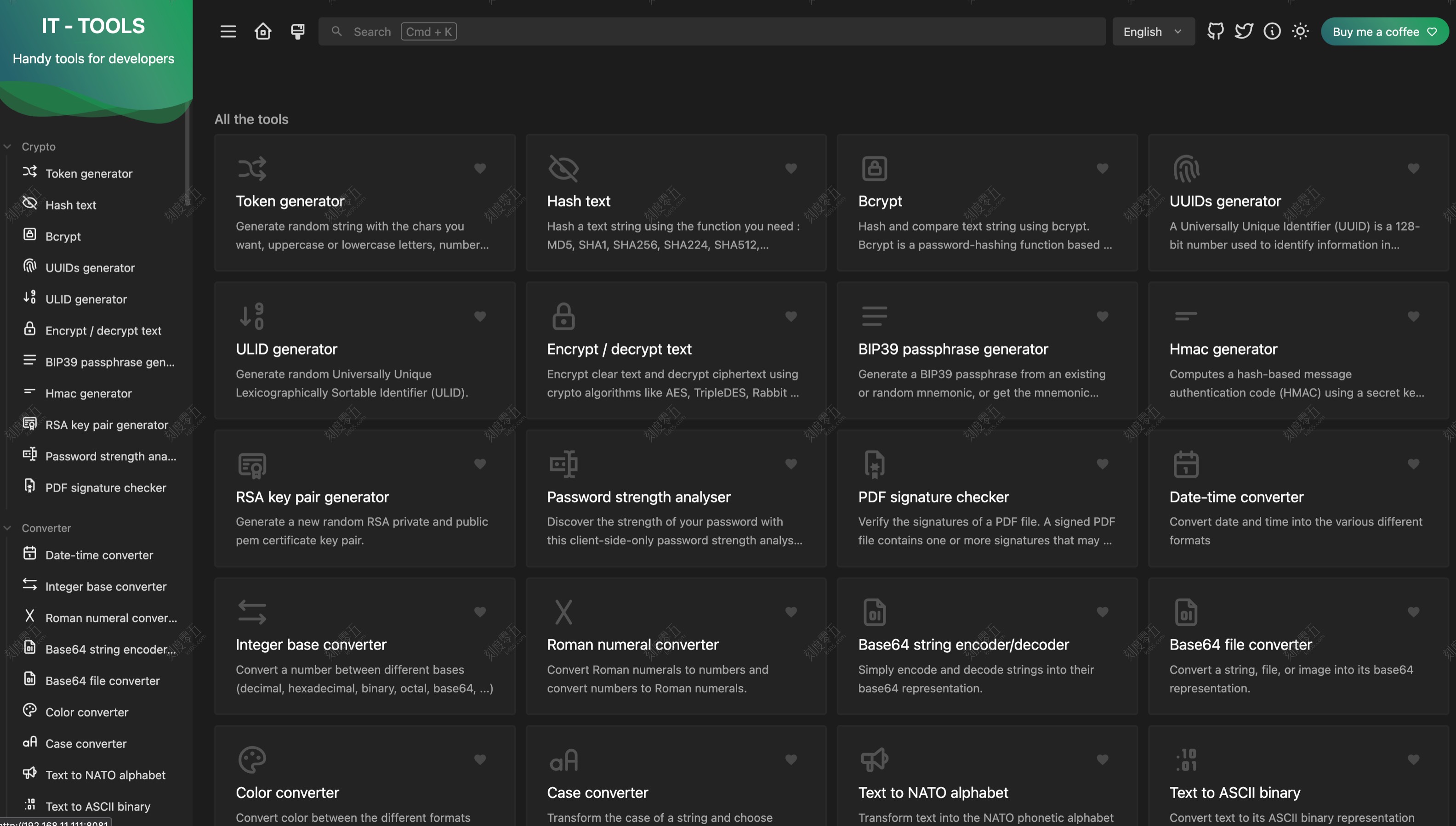
Tons of Tools in One Place: IT-Tools comes with more than 80 mini-apps. It covers almost everything you’d need during a workday:
- Security & Conversion: Base64 encoding, Hash generators (SHA/MD5), URL encoders, and JWT parsers.
- Formatting & Cleanup: Prettify JSON, XML, or SQL, convert YAML to JSON, and test your Regex patterns.
- Generators: Create random passwords, UUIDs, QR codes, or even Lorem Ipsum text.
- Dev Helpers: Quick Docker command lookups, Git cheat sheets, HTTP status code lists, and color converters.
-
Privacy First: The best part about IT-Tools is that it’s a “client-side” app. This means all the processing happens right in your browser. Your sensitive data—like keys, private code, or JSON logs—never gets uploaded to a server. If you care about data privacy, this is a huge win.
-
Simple and Clean: The interface is clean, ad-free, and supports dark mode. It has a great search bar and a “Favorites” feature, so you can pin the tools you use most to the top for quick access.
-
Super Easy to Self-Host: While there is an official website you can use, IT-Tools is very friendly for self-hosting. If you want to run it on your own server or inside a private network, you can get it up and running with a single Docker command. It’s perfect for teams that need to work offline or in restricted environments.
Deploy with Docker
|
|
Or
|
|