
The “www” prefix often feels redundant and cluttered, especially for blogs where using the root domain looks much sleeker. Here is how to use Cloudflare’s Page Rules to redirect your “www” subdomain to the non-www version (e.g., redirecting https://www.kd05.com to https://kd05.com).
First, ensure that both the “www” and non-www records are configured in Cloudflare’s DNS and that the “Proxied” (Orange Cloud) status is enabled for both.
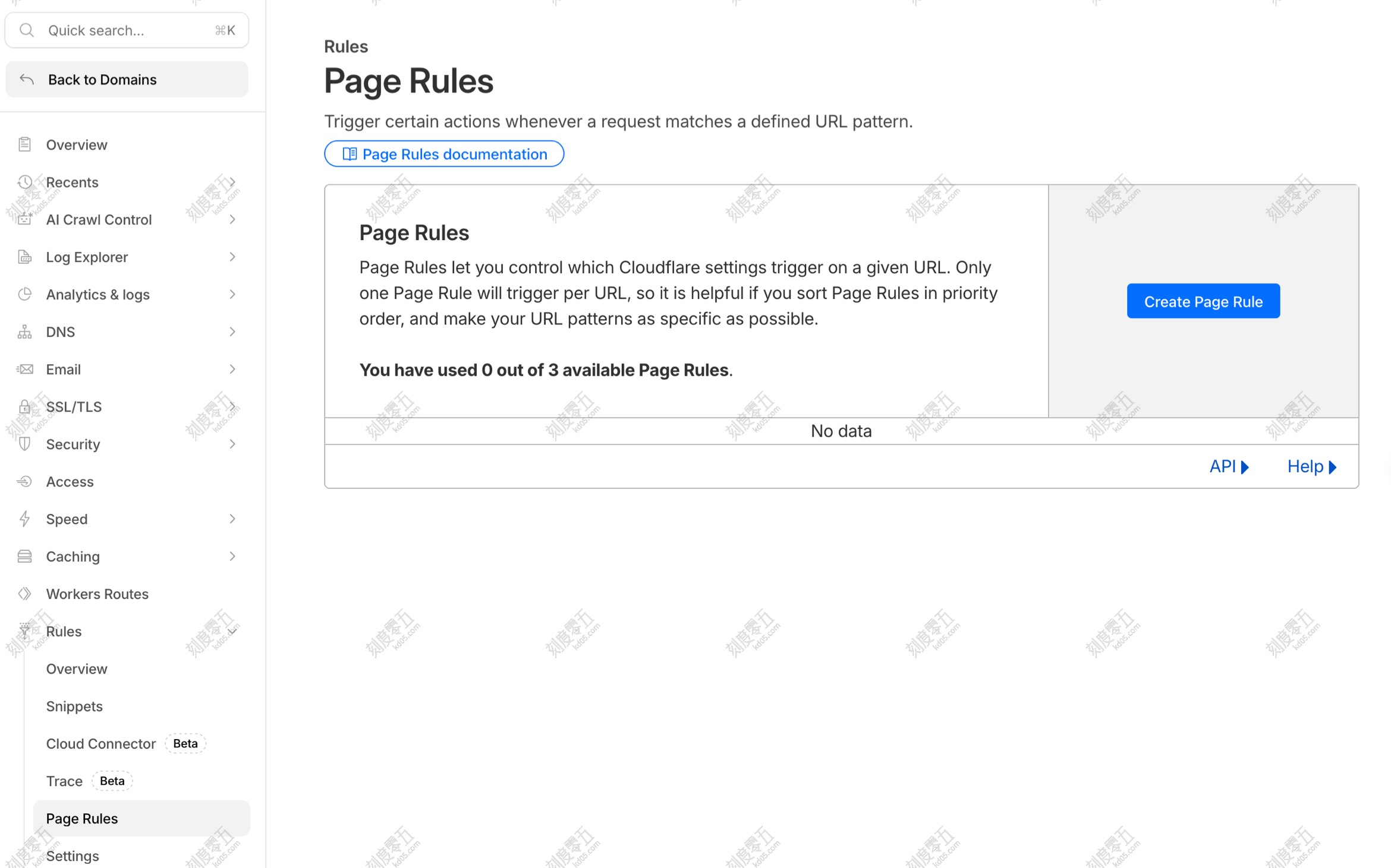
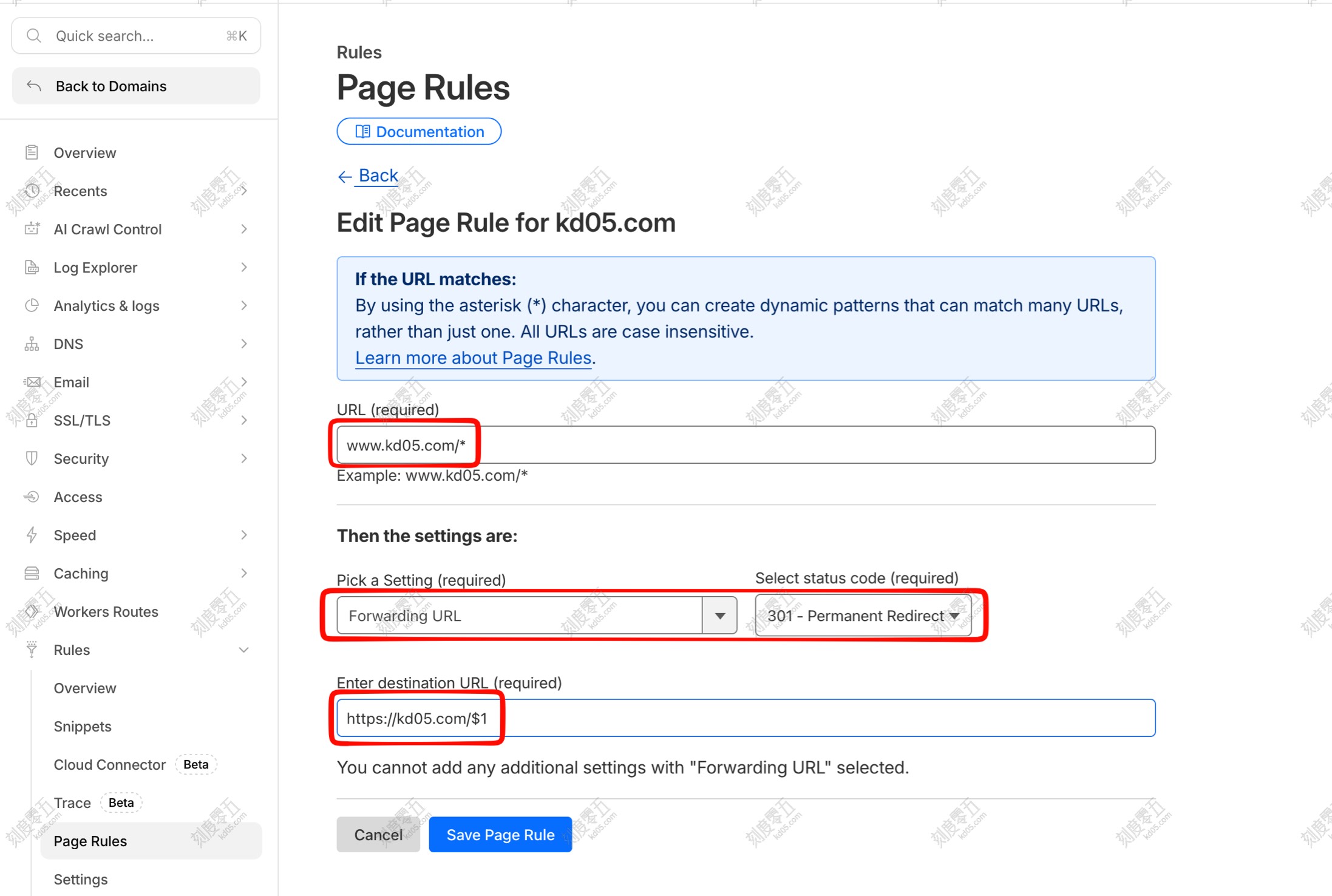
Please fill in the fields as follows:
- URL:
www.example.com/* - Pick a Setting: Select Forwarding URL
- Select Status Code: Choose 301 (Permanent) or 302 (Temporary)
- Enter Destination URL:
https://example.com/$1